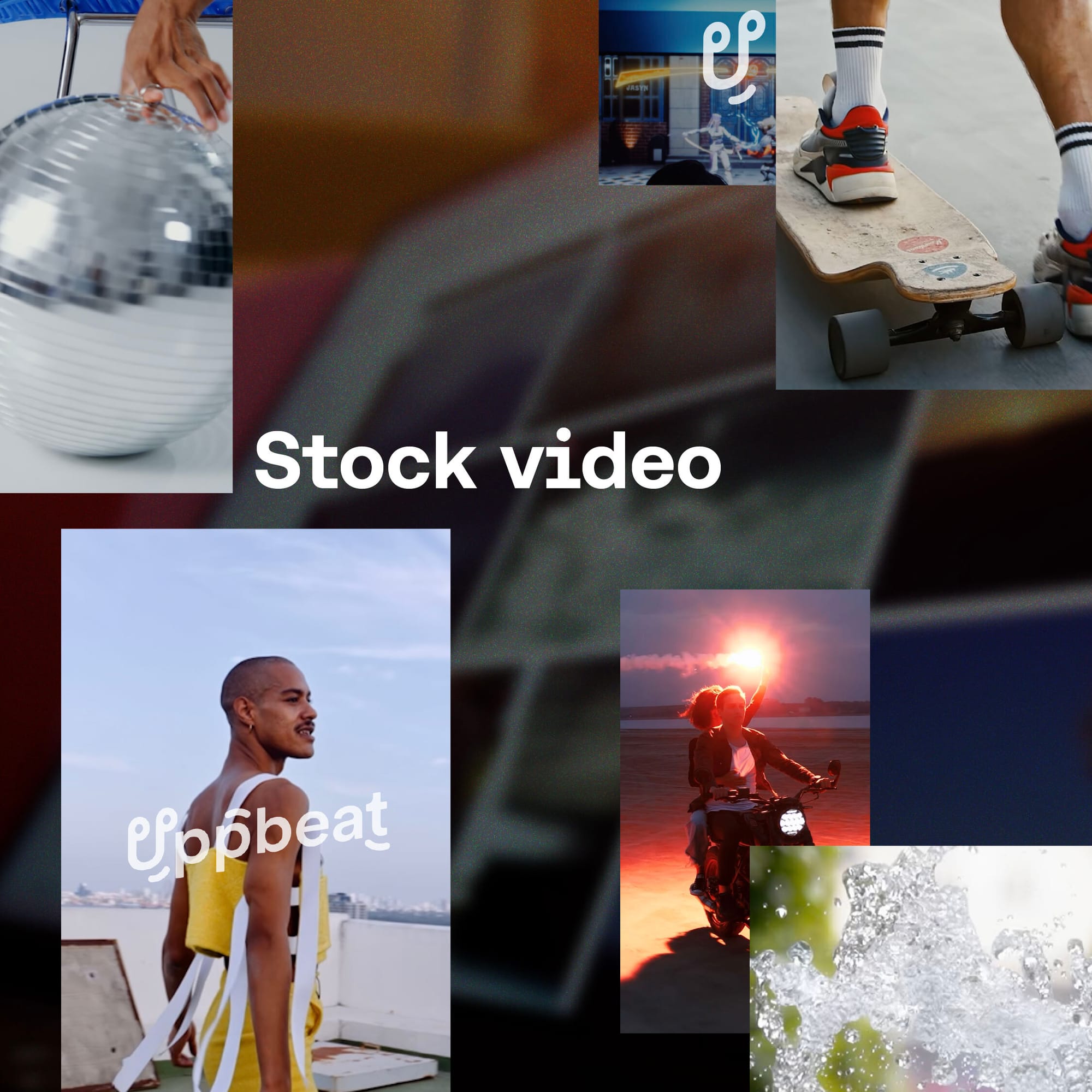
Your editing toolkit just got bigger. Uppbeat now has a stock video library built from footage shot by real filmmakers, not generated by AI. Every clip has been carefully selected to feel native to the kind of content creators actually make, so you're not wading through generic stock footage that looks like it belongs in a corporate presentation.
All clips are cleared across all platforms and available in creator-friendly aspect ratios, so you can spend less time cropping and more time editing. Here’s what’s in the library, how you can access it, and a few simple ways to start using it.
- What’s in the stock video library?
- How to access Uppbeat’s stock video
- How to use stock video in your edits

What's in the stock video library?
Uppbeat’s stock video library is organised around how creators actually look for footage when they’re mid-edit. You typically don’t look for stock video in general, but instead you’ll search for a specific vibe, location, or type of shot that will make a sequence land.
That’s why the library is structured into zones first. Zones help you start broad, then narrow down fast through creator-friendly categories, so you can get to the right footage without endless scrolling. You can explore everything from cinematic clips for polished storytelling, to backgrounds and textures for overlays and atmosphere, through to practical staples like travel footage and videos of animals.
Once you’ve found the right zone, you can go deeper through shoots. Shoots are curated collections from independent filmmakers, where clips are grouped together because they already match in tone and style. If one clip works, the rest of the shoot is right there, which makes it much easier to pull a whole sequence that cuts together cleanly. Here are three standout shoots to check out at launch:
- Kristian Kettner's 8mm vintage archive brings authentic film grain and warm, analog textures from locations all over the world. If your content has a nostalgic or documentary feel, this is a strong place to start.
- Spencer Frost and Ami Bornstein's nature and wildlife footage covers landscapes and animals from every continent. These are proper cinematic shots with the kind of wide, considered clips that can anchor a travel video or lift a montage sequence.
- Vincent Color Film's travel and vlog footage leans into a video postcard look – warm, textured, editorial. If your channel covers travel or lifestyle, these clips are built for you.
To keep your workflow streamlined, you can also save stock video to boards alongside your other Uppbeat assets like music, LUTs, motion graphics, and sound effects. It’s a simple way to collect everything for a project in one place, so when you sit down to edit, your go-to visuals and audio are already ready to drop in.
This is just the start. Our stock video library will keep growing with more zones, more shoots, more filmmakers, and more curated collections over time.

How to access Uppbeat’s stock video
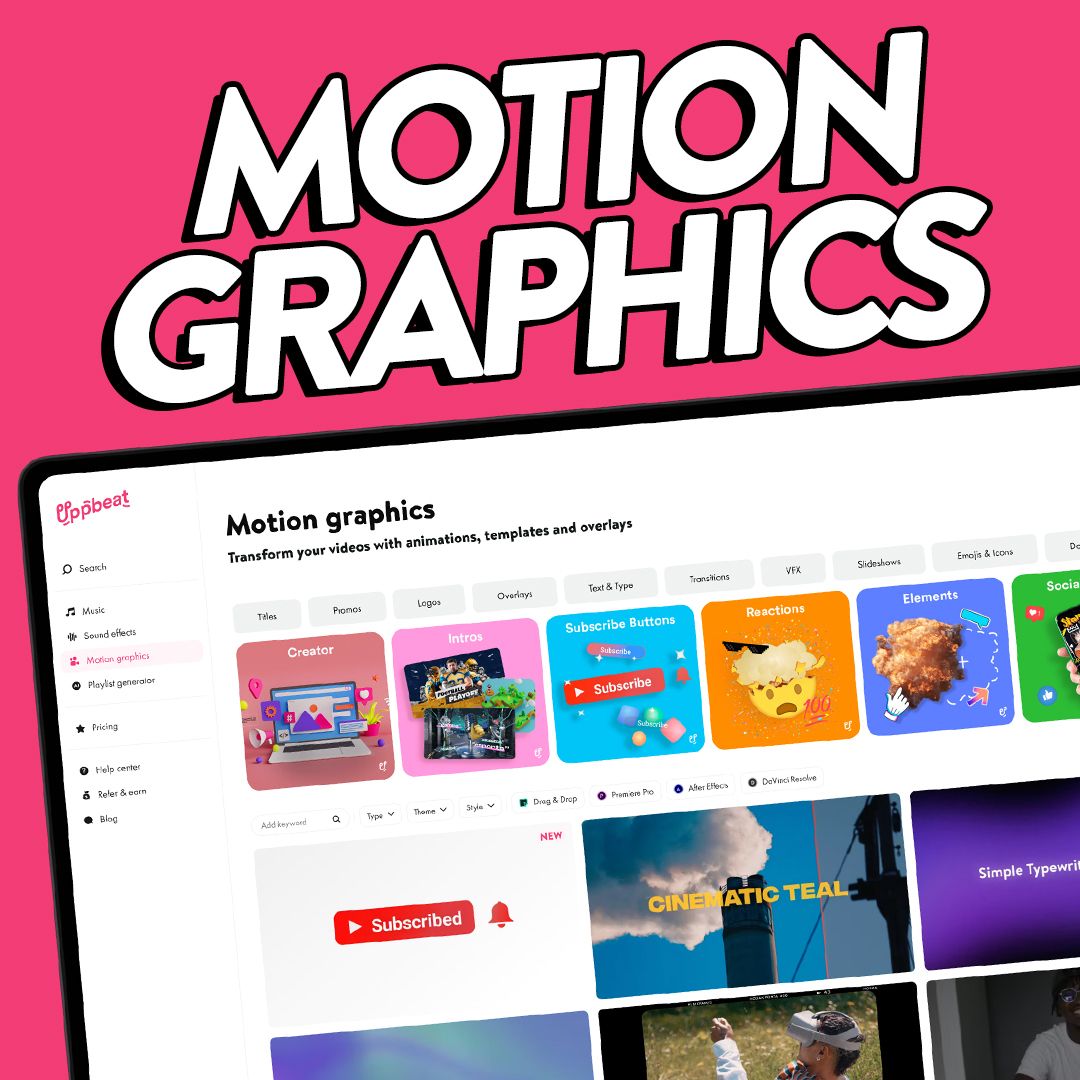
Uppbeat's stock video library works in the same way as motion graphics. If you’re on Free or Essentials, you can use credits to download individual clips at 720p resolution as you need them. If you're on Creator, Pro or Business, you get unlimited downloads included in your plan, which means the stock video library is ready to browse now, with no extra setup.
Creator subscriptions give you access to 1080p resolution clips, which works well for most web and social content, while Pro and Business give you access to 4K footage for high-end edits and maximum detail.
Using stock video in your edits is simple. Browse for the footage you need, hit download, then drop the file straight into your edit, just like you would with Uppbeat music, sound effects, or motion graphics. It’s designed to fit into the same workflow you already use.

How to use stock video in your edits
Stock video is one of those simple tools that makes editing smoother. It can save you time, fill the gaps, and help your story land more clearly. Stock video also works best when it adds something you cannot easily capture yourself, like a wide landscape, a specific quality of light, or a clean texture shot that supports your voiceover.
The big difference with Uppbeat’s stock video library is that the footage is shot by real filmmakers and curated for creator timelines, so it tends to sit naturally alongside your own clips.
The way the stock video library is structured into zones and shoots makes that easier. Finding one good clip is rarely the hard part. Finding a handful that match in tone and color is. When clips come from the same shoot, you can build a sequence that feels consistent without jumping between sources or forcing a color grade to make everything fit. A few simple habits make it even more effective:
- Start with a shoot, then build your sequence. If one clip fits, the rest of that shoot will usually cut together cleanly.
- Use B-roll to control pace. Stock video’s slower pacing by design gives you full control to shape timing and build the rhythm your edit needs. A strong wide shot or texture clip can give your edit breathing room between close-ups or talking sections.
- Match tone before you touch color. Choose footage that already feels warm and analog, clean and cinematic, or travel-ready, then grade lightly to unify.
- Keep your sound consistent. A steady music bed and a few repeatable sound effects can glue your edit together when you switch between your footage and stock. Uppbeat makes this easy because your stock video, royalty-free music, and sound effects live in the same place.
- Test clips in a real timeline. Drop one or two into your current edit and see how they feel. You’ll know quickly if they support the story or distract from it.
Stock video is just another way to keep your edits moving while staying true to your style. Build a small set of go-to shoots, pair them with your regular audio choices, and you’ll have a faster path to polished videos that still feel like you.

Upgrade your visuals with Uppbeat stock video
Uppbeat’s library of stock video is built to complement the footage you already have. When you need a scene-setter, a texture layer, or a few consistent shots to make a sequence land, you can now pull filmmaker-shot footage that matches your style and drops straight into your timeline.
If you want to try it today, start simple. Pick one zone that fits your next edit, browse a shoot that matches your tone, and build a short sequence from clips that already cut together cleanly. Pair it with your usual Uppbeat royalty-free music and sound effects, and you’ve got a faster path to polished videos that still feel like you.