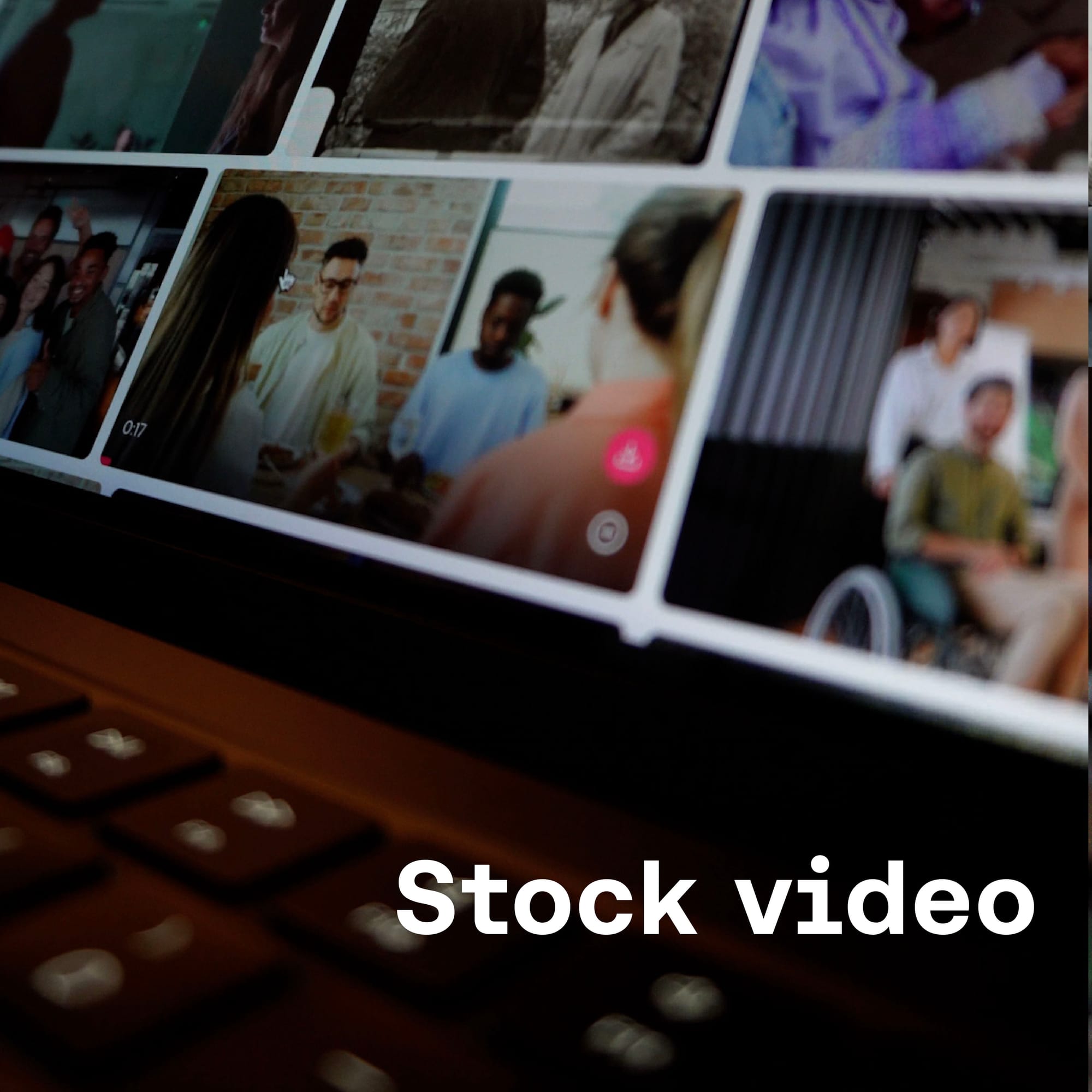
Stock video is ready-made footage you can license and drop straight into your edit. Rather than filming every shot yourself, you download clips from a library – anything from sweeping aerials and time-lapse cityscapes to lifestyle footage and abstract textures – and use them alongside your own footage. Used well, stock video adds the kind of visual range and production value that most solo shoots can't deliver.
This guide covers everything you need to know to use stock video confidently in your content. You’ll learn what stock video actually is, how licensing works, and how to make it blend seamlessly with your own footage. So, let’s dive in.
- What is stock video?
- Why creators use stock video
- How stock video licensing works
- Types of stock video and how to use them
- Does stock video really look cheap?
- Matching stock video with music
- Where to find stock video
- How to start using stock video in your content

What is stock video?
Stock video is pre-shot footage from filmmakers and videographers that you can license and use in your own content. There's stock video of almost everything – natural landscapes, city timelapses, lifestyle clips, close-up textures, aerial sequences, abstract backgrounds. Whatever you're making, there's footage out there that's relevant to it.
On its own, a stock clip is just very literal footage of a thing, a place, or a person. What makes it valuable is how it's used. Cut into your edit alongside your own footage, stock video can illustrate a topic, add visual variety, or simply give viewers something engaging to look at between your main shots. Used well, it fills gaps and enhances what you've already captured rather than replacing it.
Stock footage has been a staple of broadcast and advertising production for decades. For independent creators, it's become increasingly relevant as audiences have grown to expect higher production value and as long-form, polished content has become the norm.

Why creators use stock video
A-roll on its own is a recipe for a pretty flat video. If your primary footage is driving your story, B-roll is what helps to illustrate what you're saying and keep your audience engaged. In an ideal world, you'd plan and shoot all your B-roll yourself, but how often have you got into an edit and wished you had a certain extra shot?
Stock video libraries give you access to footage you otherwise wouldn't be able to shoot, or simply forgot to capture on the day. The result is videos that are more engaging, more visually varied, and sometimes just possible in a way they wouldn't have been without it. Here's how creators typically put it to work.
Cover gaps in your own shooting. The most practical use. You've filmed a piece about traveling in Japan but don't have the aerial shots that would make your opening sequence land. Stock footage fills that gap without requiring you to hire a drone pilot.
Add production value on a limited shoot. Some shots are expensive, logistically difficult, or simply impossible to capture alone. Slow-motion crowd footage, wildlife shots, timelapse cityscapes — stock gives you access to imagery that would otherwise be out of reach.
Help your content flow. If you only use A-roll, jump cuts can feel jarring. Cutting to stock footage masks those edits, illustrates what you're talking about, and keeps the video moving without harsh interruptions to the visuals.
Work faster. When you have a deadline and limited time on location, stock footage takes the pressure out of having to capture every shot yourself. It's a production tool as much as a creative one.
Help your content flow – If you only use A-roll in your video, you’ll soon see how jarring jump cuts can be. Using stock video to mask when you’ve cut your main footage helps not only illustrate the topic you’re talking about but also helps your content flow without these harsh cuts to the visuals.

How stock video licensing works
A quick understanding of how to license stock video goes a long way. It means you can download and use clips with complete confidence, and be better prepared for what happens if you get it wrong.
Royalty-free vs. rights-managed
Most stock video for creators is licensed as royalty-free. This means you pay a one-time fee (or subscribe to a platform) and can use the clip across multiple projects without paying per use. You own a license to use the footage, but not the footage itself.
Rights-managed licensing, more common in broadcast and advertising, involves paying for specific usage – for example, particular platforms, timeframes or territories. It's more restrictive and usually more expensive. For almost all content creator purposes, royalty-free is what you want.
What royalty-free actually permits
This varies by platform, so always read the specific license. Generally, a royalty-free license for creators allows use in videos for YouTube, Instagram, TikTok, and similar platforms, including monetized and commercial content. It typically does not allow reselling the footage as-is, using it in anything harmful, or sub-licensing it to third parties.
Rights-cleared footage
Beyond the license itself, it's worth checking that a clip is fully rights-cleared, meaning all third-party rights have been taken care of. That includes releases from anyone recognizable in the footage and clearance for any identifiable locations. Reputable stock platforms handle this before clips make it into the library, but it's worth confirming if you're using footage in commercial or branded work.
Uppbeat's stock video library is fully rights-cleared. Every clip has the necessary clearances, and the licensing is designed to cover the typical content creator workflow.

Types of stock video and how to use them
Different types of stock footage serve different purposes in an edit. Here's what's available and where each tends to work best:
Cinematic and dramatic footage
Wide landscape shots, golden-hour sequences, slow-motion nature clips, moody urban scenes. Cinematic stock footage works best as establishing shots, emotional beats, or visual punctuation. Basically, the clips that make a viewer feel something without anyone speaking.
Use cinematic footage to open a video, transition between major sections, or add weight to a moment. Don't use it to pad out sections that lack content. A beautiful shot that has nothing to do with what you're saying will pull viewers out of the edit.
Lifestyle footage
People going about their lives – working, cooking, exercising, socializing. Lifestyle stock videos tend to feel warmer and more accessible than cinematic footage, which makes them useful for how-to content, wellness videos, and anything aimed at a broad audience.
The challenge with lifestyle stock is that it can look generic. The solution is to be specific and search for the activity, mood, or aesthetic you need rather than browsing broad categories and hoping something fits.
Travel and location footage
Aerial shots, city scenes, natural landscapes, cultural footage. For nomadic creators, travel stock video is an obvious choice and helps to provide context or open a video. But it's just as useful for anyone creating content about a place, culture, or topic that has a geographic component.
Texture and background footage
Loops of water, fire, abstract light effects, surface textures. Stock videos of textures are commonly used as overlays in intro and outro sequences, or as visual elements in motion graphics-heavy edits.

How to use Stock Video without making it obvious
When you use it well, stock video can genuinely transform your video. Small retention editing techniques using well-chosen footage can make a real difference to how long viewers stick around, and that matters to the algorithm. But added to your edits badly, stock footage sticks out immediately, and a video full of obvious stock clips can actually perform worse than one without any.
The best use of stock video is completely invisible to your viewers. They don't notice the clip came from a library, they just experience a better, more engaging video. Here's how to get there.
Start with quality footage. A significant share of what's available today has been shot by professional filmmakers – people capturing landscapes, aerial sequences, and lifestyle footage at a high level and licensing it rather than tying it to a specific project. The difference between stock that looks cheap and stock that doesn't is almost entirely down to curation.
Match the visual language. Look for footage that shares the color temperature, camera movement, and subject treatment of your own clips. Stock that could plausibly have been shot by you on a different day becomes invisible in the edit.
Watch the camera motion. Combining handheld footage with smooth stabilized drone shots creates an inconsistency that viewers feel even if they can't name it.
Check your specs. Mixing 4K 24fps with 1080p 60fps tends to be visible. Confirm resolution and frame rate before committing to a clip.
Avoid the obvious. Stock that illustrates exactly what you're saying – a lightbulb for ideas, a handshake for partnerships – is often used by YouTubers to complement their A-roll. YouTube journalists like Cleo Abram and Johnny Harris often use stock video where they can’t tell their story through their own footage alone. The thing is, poorly chosen stock video can easily look cheesy and distract from the rest of your video. Think about how the stock footage you use will complement the rest of your video and get creative with the clips you pick.

Matching stock video with music
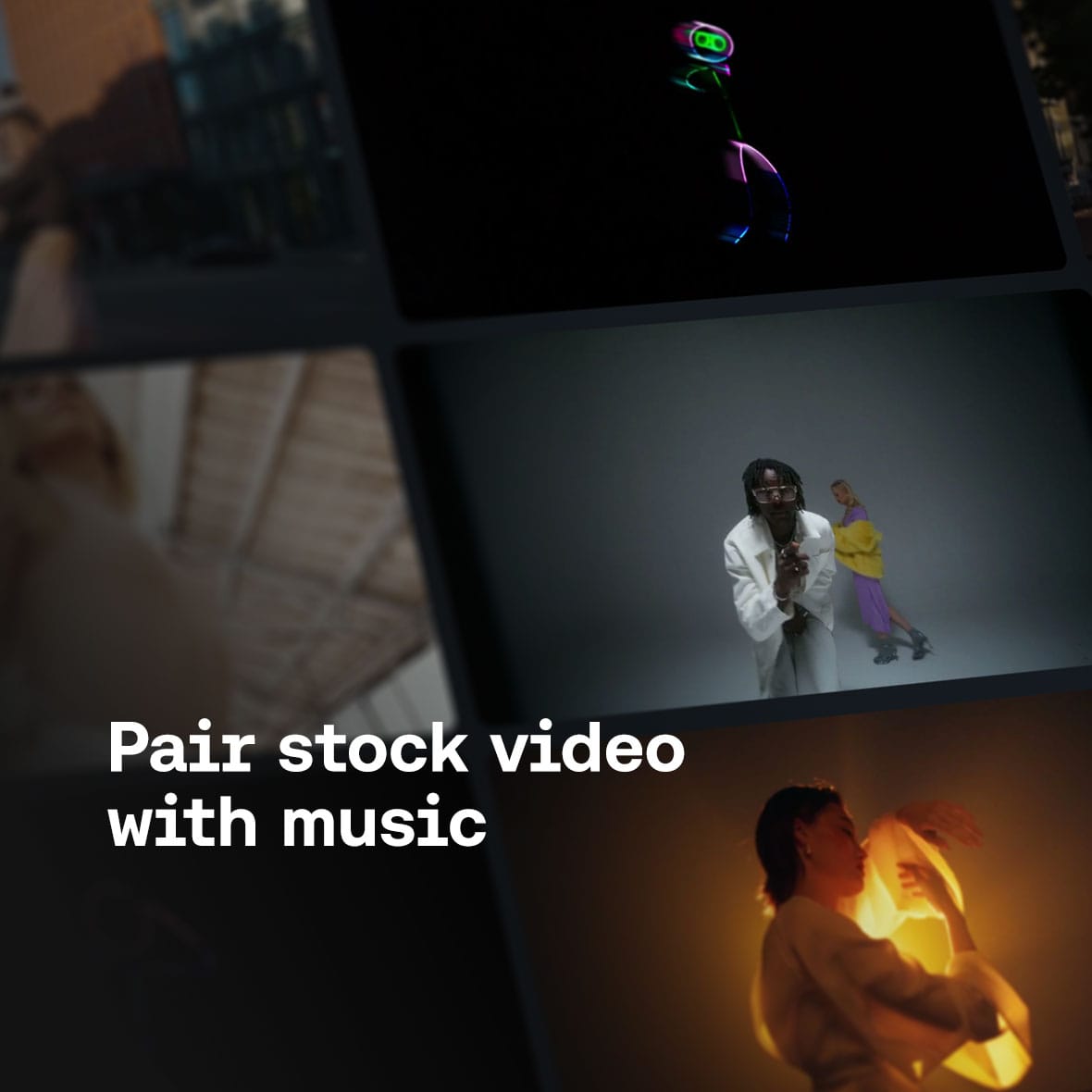
Music and stock footage are two of the most powerful tools in your edit. When they work together, the result is a far more immersive experience for your audience. A well-matched track and clip combination feels seamless and intentional. The flip side is that a mismatched pairing can be particularly jarring, so it's worth thinking about the two together rather than separately.
A common mistake creators make is picking stock footage first and searching for music to fit it afterward. Remember: it's much harder to find a track that matches the pacing, mood, and movement of footage you've already locked. Instead, let your music guide your search for footage. Need help? Here’s a few pointers on getting the pairing right:
Match energy, not just mood. Orchestral soundtracks and slow cinematic background music pair naturally with wide landscape shots and aerial footage because both have space and weight. On the other hand, urban footage and lifestyle clips tend to need something with more drive and rhythm behind them.
Let the music set the edit pace. If a track has a clear beat or builds to something, look for footage with motion that can follow it. Static or slow-moving clips under an energetic track will always feel mismatched.
Treat mood as the starting point. Before you search for either, decide how you want the viewer to feel in that section of the video. That single decision will narrow both your music and your stock choices considerably.

Where to find stock video
The search for stock footage can take a bit of time and research. The platform that’s right for you will depend on your budget, the type of video you’re looking for, and all sorts of other factors. To make your search simpler, let’s take a look at the three main types of stock video platforms:
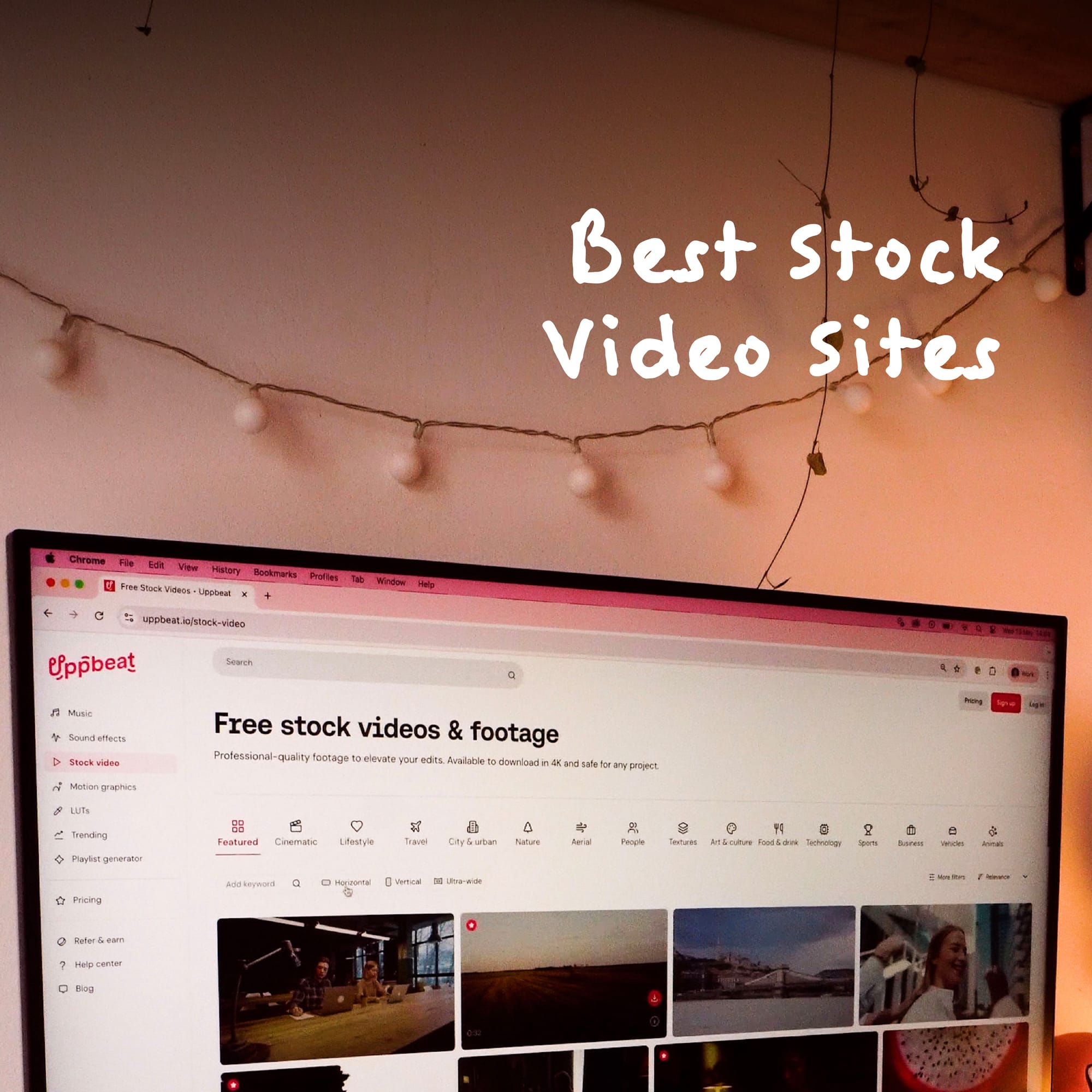
Free platforms – Pexels, Pixabay, Mixkit, and Uppbeat all offer footage at no cost under licenses that cover most creator use cases. Quality and curation vary significantly between them – Pexels, Pixabay, and Mixkit are large open libraries where quality can be inconsistent, while Uppbeat's free tier gives you access to a curated selection of rights-cleared footage shot by professional filmmakers.
Subscription platforms – Storyblocks, Artlist, and Uppbeat operate on a flat monthly or annual fee. You can unlock a full library without paying for each individual clip which makes more sense for creators who use stock regularly.
Pay-per-clip – Pond5 and Getty Images let you license individual clips without a subscription. This works well if you need something specific and don't want ongoing access to a full library.
Uppbeat's curated stock footage library is built around the creator workflow. The free tier gives you access to a curated selection of rights-cleared footage to get started without any commitment. When you're ready to go further, Creator, Pro and Business unlock unlimited downloads and higher resolutions. Even better, it’s all on the same platform as Uppbeat's royalty-free music and sound effects library, so everything you need for a polished video is in one place.

How to start using stock video in your content
The difference between stock footage that feels seamless and stock footage that feels like an afterthought is usually down to planning. Here's how to build stock footage into your edits from the start.
Flag gaps before you shoot. When you're scripting or planning, note the shots you're unlikely to capture yourself – aerials, specific locations, little details. Searching and downloading before you're in the edit saves time and stress.
Start with B-roll cutaways. Supplementary footage that runs over your main talking shots is the lowest-risk place to begin. It's immediately visible as a quality improvement and doesn't require you to restructure your edit.
Keep what you download organized. Folders sorted by type – for example, establishing shots, B-roll, textures, overlays – help you to quickly find what you need rather than searching for the same clips for every project.
Develop a matching habit. Before you commit to a stock clip in your timeline, color-match it to your primary footage. The earlier in your process you do this, the less work it is. Over time it becomes automatic.

Greater creative range without extra shoot days
Stock video is most powerful when it's chosen with intention, matched carefully to your own footage, and built into your workflow rather than treated as a last resort. Get those fundamentals right and it's one of the most efficient ways to raise the quality of your content without extending your shoot time.
Uppbeat's stock video library is a good place to start. Browse by category to find footage that fits your content, whether that's cinematic landscape shots for an atmospheric opener or lifestyle footage to keep a tutorial moving. Some assets are free to download straight away, with unlimited access and higher resolutions available when you upgrade to a Creator or Pro plan.