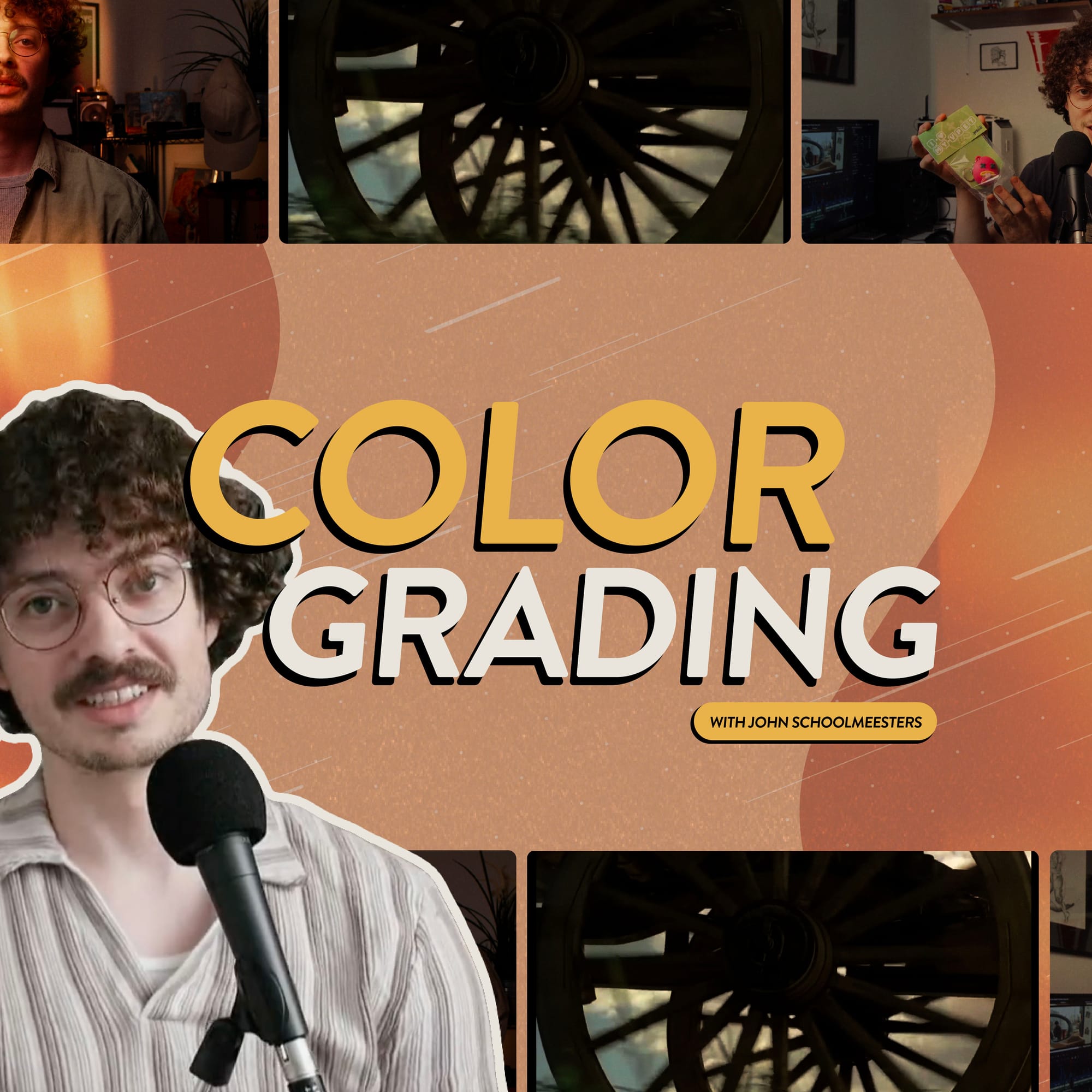
“Your style is something that comes with time. You need to develop what you think looks good and interesting visually.” Filmmaker John Schoolmeesters has learned that lesson firsthand, using color grading to craft a cinematic, recognisable style in his content. The result is a YouTube channel that stands out.
Better-looking videos naturally draw in more viewers, but knowing how to achieve a certain look through color grading isn’t always straightforward. As John explains, your style isn’t something you find by chasing trends. It comes from trying new things, making mistakes, and letting your creativity take the lead.
In this interview with Uppbeat, John shares six essential tips for creators looking to improve their color grading. You’ll discover how to develop a visual style that feels true to your content and learn how the way your content looks can bring your story to life.
YouTuber John Schoolmeesters is a filmmaker known for his cinematic video essays and thoughtful storytelling. His channel blends film-inspired visuals, creative colour grading, and in-depth narrative structure, making him a go-to for creators who want to improve their craft.
- Get better at color grading by experimenting
- Support the story you’re telling with color choices
- Think about how you want things to look before you shoot
- Plan ahead to make creative freedom easier
- Don’t be boxed in by a single style
- Use the right tools and seek out expert advice

1. Experiment with different color grading styles
In John’s experience, style isn’t something you land on right away. When you start out, it can feel like everyone else has already nailed their signature look. But instead it’s something you grow into: “Your signature style comes with time as you learn what your taste is.”
Rather than chasing a fixed aesthetic, John encourages creators to play around, take notes, and learn from what they see on screen. That could be old movies, new shows, or even your own past work.
Looking back on older projects, John sees the progression in his own work. And even now, after years of creating, he’s still allowing his own style to develop.
JS: “I'll look back at old videos that I've made and it shows how much my style has evolved. But it's also kind of fun to see what I thought was a really cool look at that time. My taste is still evolving and that's good. As long as I'm happy with my video when I export and upload it, I think that's enough for me.”
An easy way to try out different visual styles is to apply LUTs to your footage. These easy-to-use files allow you to transform how your edit looks in seconds. Find a style that works for your content by exploring Uppbeat’s collection of LUTs and color grading presets.
John’s Key Takeaway:
Your style isn’t set in stone. Let it evolve by experimenting with different looks, borrowing from a variety of influences and learning from every project.
2. Use color grading to support your story
Color grading does more than just make your footage look polished – it can shape how your story feels. For John, the strongest color choices aren’t about pushing a specific aesthetic. They come from understanding what the video is about and letting that guide your final look.
“I like to try and ground my color grading in the reality of the video that I'm making. It can visually prime the viewer that this is what we're going to talk about and give them an idea of what it looks like.”
You see this in action during John’s profile of photographer Malik Blaylark. As Malik talks about his love for observing people, the footage shifts to look like an old camera roll, mirroring his perspective.
John's approach is a reminder that the right grade can strengthen the emotional impact of your story. You might want to consider building in warmth to evoke nostalgia, for example, or use cooler tones to introduce a more technical or serious theme. What’s important is that your choices complement the narrative.
JS: “If I try to force something that achieves a particular look, the process becomes a lot harder than if I allow the idea behind the video guide how it looks.”
For John, color grading is less about showing off a particular style, and more about helping the viewer connect with the subject. When you let the content shape the grade, the visuals become an extension of the narrative, helping set the mood, signal tone shifts, or even give viewers a subtle cue about the subject matter.
John’s Key Takeaway:
Let your visuals reflect the tone of your story. A thoughtful grade supports the mood and helps viewers connect more deeply with your content.

3. Let your footage shape the final look
While color grading can completely transform your edit, John’s advice is to treat it as a final polish, not a way to fix your footage after you’ve filmed it. The overall tone and feel of your video often start long before you touch the color wheels.
JS: "Ask yourself what your lighting looks like, because that'll inform what your look is. What you create should guide the final look. This way your content and visuals will feel more cohesive than if you’d aimed for a certain style.”
Even if you have a specific grade you want to aim for – like the classic teal and orange – it’s better to shoot with that look in mind, using lighting and set design to help shape the visuals. That way, grading becomes a way to enhance what’s already there.
Take John’s tutorial on creating a retro look as a prime example. He opens with nostalgic shots from around his home, then leans into the theme with a soft, vintage-inspired color grade that ties everything together.
Your final look is the result of all the creative choices you make. John points out that even your filming environment itself plays a role in setting the tone and can naturally suggest how your video should look and feel.
JS: “The space you're in can help tell the story you want to tell. If you're making content about basketball, you're going to want to be in a space that feels related to that. Maybe that's memorabilia on your walls, or shooting at a gym or an outdoor court.”
John reminds us that strong visuals start with intention. The better your footage when you start editing, the more natural your grading will feel coming out.
John’s Key Takeaway:
Your final look starts in-camera. Good lighting, thoughtful framing, and intentional visuals in production will make color grading more natural later on.
4. Plan first so you can create freely later
Color grading is most effective when it's part of a bigger creative process. For John, that means doing the work upfront – researching, scripting, and visualizing how a video should feel before jumping into the edit.
JS: “Planning is probably one of the most important parts of making a video."
With the groundwork already laid, John can stay open to spontaneous ideas as the edit evolves without losing sight of the bigger picture.
JS: “Having your story planned out in advance gives you more room to make natural creative decisions. I already know I have the narrative done, so I have the freedom to do a little off-the-cuff bit and see if that works in the edit.”
By having a strong idea of what he wants from the beginning, John makes better visual choices all the way through, including in the grade.
John’s Key Takeaway:
Put time into pre-production. The more decisions you make early on, the more freedom you’ll have to be creative in the grade.

5. Don’t lock yourself into one style
There’s a perception that nailing down a consistent look or ‘signature style’ is the goal. But John believes that committing yourself into one aesthetic too soon can actually limit your growth.
JS: “I think you have more flexibility if you're not locked into a particular look. Like if you consistently aim for a Wes Anderson style, you’ll find yourself stuck doing it. That's what people know you for and it can be annoying as an artist not being able to evolve.”
For John, the goal isn’t to become known for one specific visual identity, it’s to stay creatively curious and keep exploring the ideas that excite you. Holding too tightly to a defined style can box you in and make it harder to evolve as a filmmaker.
This curiosity shows up in how John approaches visual references too. Instead of chasing the hyper-polished look that dominates a lot of modern filmmaking, he often draws inspiration from older films with bolder, more expressive visuals.
JS: “I think with a lot of movies that we see today, it's all very soft and perfect looking. But if we look at movies from the '60s, '70s, '80s, '90s, you see this really beautiful punchy contrast that feels real.”
It’s a reminder that there’s no one “correct” way for your videos to look – and no need to force your style into a box. Staying open to change and inspiration might just be the thing that keeps your work feeling fresh, both for you and your audience.
John’s Key Takeaway:
Don’t box yourself in. Let your visual style change and grow as you do. After all, curiosity is more powerful than consistency.
6. Use the right color grading tools and learn from the pros
When it comes to color grading, John doesn’t hesitate with his advice: start with DaVinci Resolve. It’s the tool he recommends to anyone looking to improve their grading, whether you’re just getting started or already deep into editing.
One of the biggest advantages of DaVinci Resolve? You don’t need to spend any money to get started. As John explains: “It has all the functionalities you need and there's an amazing free version, which is already a huge plus compared to Adobe, which is so expensive.”
Even if you have zero color grading experience, you can instantly apply a new look in DaVinci Resolve with LUTs. These easy-to-use downloadable files transform your footage and allow you to try out different looks easily. You can explore a range of drag-and-drop assets in Uppbeat’s LUTs library.
Having the right software and assets is only part of learning to color grade though. John also suggests learning directly from professionals. Seek out tutorials from colorists who work in film and video every day to tap into free pro-level knowledge.
JS: “Learn from people like Darren Mostyn and Cullen Kelly. As professional colorists, they can give you real knowledge you wouldn’t find out on your own, because that’s their actual job.”
Between pro-level tools and expert guidance, you can easily access everything you need to start building real color grading skills, no matter the level you’re currently at.
John’s Key Takeaway:
Use tools that grow with you. DaVinci Resolve gives you pro-level color grading tools for free and learning from industry experts will fast-track your skills.

Evolve your look with each video
Color grading isn’t something you master overnight. And according to John, it shouldn’t be. Every video you create is a chance to sharpen your eye and push your look forward. The key to developing a unique look is to keep creating, stay open to learning, and let your visual style develop through every piece of content you make.
If you’re looking to speed things up, Uppbeat’s free LUTs are a great way to try out different looks with no color grading expertise required. Just don’t feel pressured to lock in a signature aesthetic. Prioritise what fits the story, and your visual style will come together over time.
Refer and earn with Uppbeat!
Join Uppbeat partners like John and grow your channel with incredible music and sound effects 🤘