Stock footage works best when your audience doesn't notice it. Drop the right clip into your edit and it’ll feel like it came from the same camera on the same day. Get it wrong and the cut announces itself to your viewers.
The difference usually comes down to how well the footage matches your own shooting style. The way it moves, the way it's lit, the way the camera relates to its subject – these things either align or they don't. And no amount of editing can rescue a clip that's fighting everything around it.
A bit of groundwork before you search can help you find shots that fit your video. Read on to identify what your style looks like, which stock footage matches your content, and how to add a clip to your edit without it sticking out.
- Why matching stock footage is important
- What to look out for when matching stock footage
- Identify your visual style before you search
- How to match footage based on your niche
- Tips for color grading stock footage to match your own shots

Why matching stock footage to your edit is important
When a stock clip doesn't match, viewers feel it before they can name it. The brain processes visual continuity automatically, tracking things like consistent motion and color temperature from cut to cut. When these elements shift suddenly, it registers as a jolt, even in an audience that has never thought about frame rates or color profiles. The worst case scenario is a distraction that causes your viewers to click away.
Not all mismatches in your edit will hit equally hard though. A slight color difference is forgivable, especially if you're grading everything in post. A frame rate clash is much less so – 24fps original footage cut against a 60fps stock clip creates an almost physical disruption that is difficult to fix. Understanding that hierarchy matters when you're making quick decisions in the edit.
Stock footage that blends well allows your content to flow and helps keep your viewers engaged. A seamless cut reinforces the sense that your video was made with intention, and that feeling compounds over time into the kind of channel identity that keeps people coming back.
What to look out for when matching stock video with your footage
The best stock footage blends in with your footage to the point that your audience doesn't even realise it wasn’t captured at the same time. There are three technical factors to look out for that could cause a mismatch, and understanding them also tells you what to look for when you're browsing.
Frame rate – how many images your camera captures per second. Most cinematic content is shot at 24fps, but other videos are often shot at 25fps or 30fps. Cut between two different frame rates and the motion will feel distractingly different. Instead, look for footage shot at the same frame rate you shoot at.
Color profile – how your camera records color and contrast. Some cameras capture a deliberately washed-out image – known as log footage – designed to be colored in editing, while others apply a finished look in-camera. Mix the two without correcting them and the difference is obvious. Instead, look for stock footage that hasn't already been locked into a heavy color treatment, it'll be much easier to match to your own shots.
Focal length and depth of field – focal length is how zoomed in your camera is. Depth of field is how much of the image is in sharp focus, versus blurred. A wide shot with everything in focus dropped into a sequence of tight, blurry-background shots feels inconsistent. Instead, look for footage where the framing and focus style matches the register of your own shots.
Stock footage doesn’t have to be shot on the same camera you use. But it does help to know what your footage looks like on a technical level so you can find clips that look like they could have been captured alongside the rest of your video.

Identify your visual style before you search
You can only match stock footage to your style if you have a clear sense of what your style actually is. That sounds obvious, but most creators haven't looked at their own work analytically because they're too close to it. Here are two questions to ask yourself that will shape everything that follows.
What does my footage actually look like?
Pull up a recent video and look at it critically. Notice how your camera handles motion, whether your color palette runs warm and desaturated or clean and punchy, and whether your shots tend to be wide and environmental or tight and intimate. When you search for stock video, you should look for clips that echo these quirks of your editing style.
What function does the stock footage serve in this edit?
If you're using stock footage as pure B-roll to cover a talking-head interview, it’s less critical that your footage matches exactly and you’ll mainly want to keep the tone consistent instead. If you're interweaving it with your own footage in a sequence, technical compatibility becomes more important.

How to match footage based on your niche
The type of content you create is a simple starting point for finding the right stock footage. Different niches have different visual conventions – the categories that work for a travel vlogger won't be the same ones that work for a tech reviewer. Here's where to start based on what you make.
Travel and outdoor creators
Travel creators tend to mix formats – phone, mirrorless, GoPro – so technical precision matters less than the category of shot. Aerial footage works well as a chapter opener before cutting to your own footage on the ground. Nature and environment clips add texture to hiking or coastal content without needing to capture every sunrise yourself. Wide shots, natural motion, visible atmosphere all work well, but avoid anything studio-lit or motion-smoothed.
Lifestyle and vlog creators
Your audience is watching you, so stock footage works best when it's atmospheric rather than narrative. Lifestyle footage with a loose, documentary feel integrates far better than anything staged, and the same applies to people footage – aim for organic and candid over choreographed. Match the energy of your edits, so if you cut fast, don't search for slow-motion shots.
Tech and business content
Clean, minimal and well-lit is the look most tech and business creators go for. Technology footage covering devices or workspaces cuts naturally into explainer content, while business footage with neutral palettes gives you room to push your grade. Avoid anything too corporate – the cheesy ‘diverse team pointing at whiteboards’ genre dates quickly.
Cinematic and short film creators
This is where technical compatibility matters most. Look for cinematic stock footage shot in log or a flat profile. It signals deliberate choices and gives you maximum grading flexibility. Aerial clips are worth considering for scale and establishing shots, as drone operators commonly shoot flat by default.

Tips for color grading stock footage to match your own shots
Even well-chosen stock footage rarely matches your own shots straight away. The color, contrast, and brightness will almost always need some adjustment before the two sit convincingly together. Color grading is the process of making those adjustments. The goal is to make the stock clip look like it could have been shot on your camera, even though it wasn’t.
Match your exposure first. Get both clips to the same perceived brightness before touching color. A waveform monitor – a tool in most editing software that shows you the brightness of your image as a graph rather than relying on your eyes – is more reliable than eyeballing it. This removes the most obvious mismatch before you start on color.
Use a reference frame. Put a still from your own footage next to the stock clip and compare. Most mismatches live in the whites and shadows – get those aligned and the midtones usually follow.
Match shadows and highlights separately. In DaVinci Resolve or Premiere Pro, use curves – a tool that lets you adjust specific tonal ranges independently – to bring the shadows of the stock clip toward your own footage before making any broad adjustments. Stock footage with a heavy, warm or high contrast look can often be neutralized enough to accept your grade.
LUTs are a shortcut, not a solution. A LUT (Look-Up Table) is a preset color adjustment you can apply to footage in one click. Applying the same one to both clips moves them in the same direction, but won't guarantee a match if the starting points are too different. Use it as a first pass, then adjust manually.
When a clip won't match, find a different one. Some stock footage simply won't integrate no matter the effort. A cut that works is better than one that's technically present but visually wrong.
It takes practice to get stock footage to sit alongside your own shots, but the process becomes faster each time. Once grading stock clips feels routine it’ll become part of your normal editing workflow.

Find footage that fits your edit, every time
The more you understand your own shooting style, the faster finding the right stock footage becomes. A bit of honest appraisal of what your own footage actually looks like before you search goes a long way. And once you know what you’re looking for, the next step is to find a stock video library with enough quality and breadth to cover your needs.
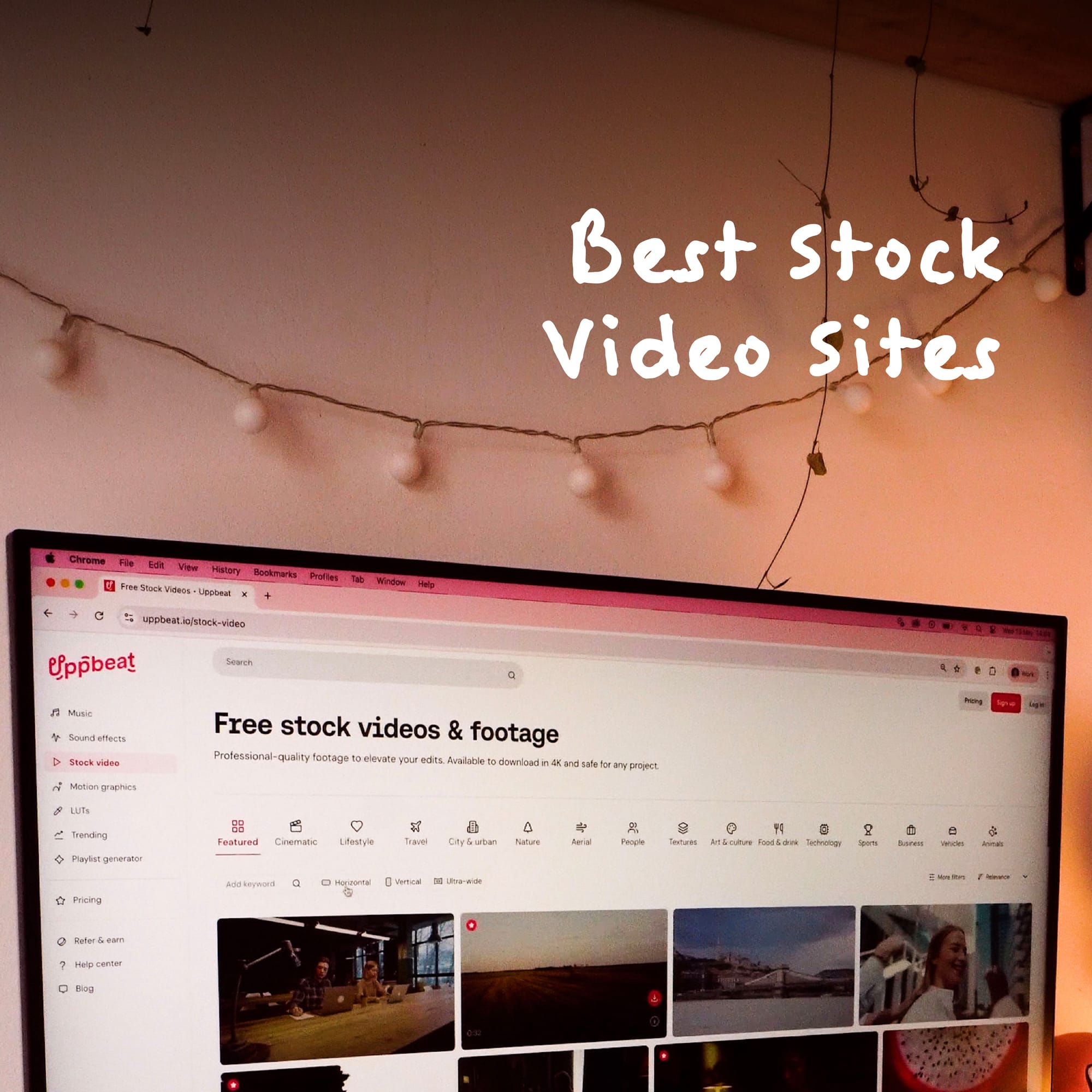
Uppbeat’s stock video library gets you in the right ballpark quickly. Explore thousands of clips shot by real filmmakers, with filters like theme, frame rate and duration helping you find the perfect match straight away. Then it’s a simple case of dropping clips into your edit so they sit naturally alongside the rest of your video.